
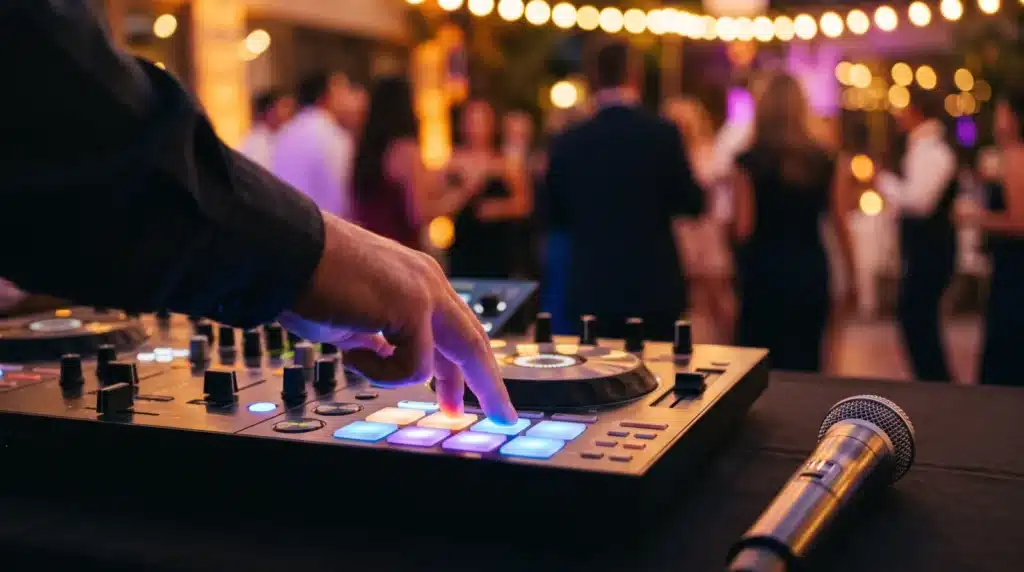
The best parties have a few moments that could only happen at that party. Often those moments come from a short piece of audio made for the event: a voice announcing the couple, a clip of the birthday girl’s favorite line, a countdown before the big entrance. DJs call these drops and sound effects. Here is what they are, when they work and how to ask for them.
What is a DJ drop?
A drop is a short recorded clip, usually a few seconds long, that a DJ plays over or between songs. It might be a voice saying the name of the event, a custom intro for the guest of honor or a quick message from someone who could not attend. A sound effect is even simpler: an air horn, a drum roll, a crowd cheer or a record scratch.
Moments where custom audio works best
- Grand entrances. A short intro with the names of the couple or the birthday star, played right before the doors open.
- Countdowns. New Year’s Eve, a surprise reveal or the moment the cake comes out.
- Sweet 16 and quinceañera court introductions. Each name gets its own short intro.
- Games and contests. A buzzer, a winner sound or a drum roll keeps a game moving.
- Messages from family. A recorded greeting from a grandparent or a friend overseas can be the most emotional minute of the night.
- The last song. A short thank you from the hosts before the final track.
Less is more
A sound effect is fun the first time and tiring the tenth time. Good DJs use them sparingly:
- One strong moment is better than a constant stream of horns
- Never play an effect over a toast, a first dance or a quiet song
- Match the sound to the crowd. A corporate dinner and a teen birthday need different choices
- Keep the volume of a drop even with the music so it does not startle guests
How to plan custom audio with your DJ
- Bring it up early. Mention it when you book, not the week of the party. Recording and editing take time.
- Send names with pronunciation. A short voice memo of each name said correctly prevents an awkward moment at the microphone.
- Collect recordings ahead of time. Ask family members to record greetings on their phones in a quiet room, then send them to your DJ.
- Choose the moments. Decide together where each clip goes in the timeline.
- Ask to hear it first. A quick preview before the event avoids surprises.
A note on song clips
Movie quotes and pieces of famous songs are popular requests. Tell your DJ exactly which clip you want and where it should play. If you plan to post party videos online, keep in mind that social platforms sometimes mute or remove videos with well known music in them.
Pair it with your photo booth
Custom audio and a photo booth work well together. A DJ can announce when the booth opens, call guests over between dance sets and use a countdown for a big group shot. If you are booking both, ask for them to be planned on one timeline.
Planning a party in Beverly Hills or Los Angeles?
Accessoriss provides DJ services and photo booth rentals for events across Beverly Hills and greater Los Angeles. See our DJ services, look at our photo booth options, or contact us with your date and your ideas. You can also call 323-470-4743, any day from 9:00 AM to 5:00 PM.
